BlogCreators
Linktree isn’t enough: when a creator needs their own website
The 5 signs your audience has outgrown Linktree, what your own site unlocks, and the minimum path to migrate without it turning into an endless project.

Caio Domingues · Founder and CEO, BluePaper
· 9 min read
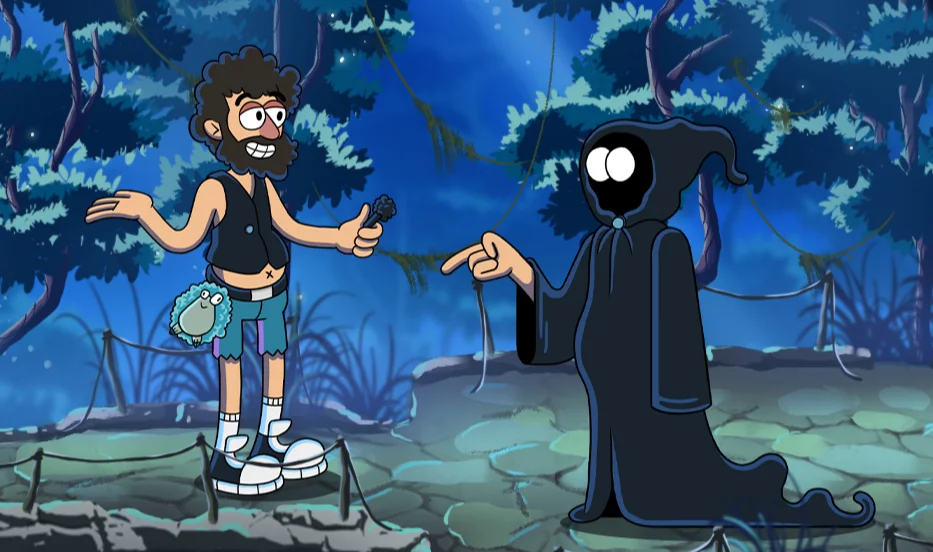
Linktree solved a real problem: you only get one bio field on Instagram, on TikTok, on Twitter, on YouTube. Fitting in just 1 link hurts. Linktree gave you 10. Done.
But at some point you move past the "I need a single URL" stage. The channel has grown. Your audience knows your name. A brand wants to close a sponsorship. And that's when the standard Linktree page starts to feel too small to carry everything your brand has become.
This article is for creators right at that line. I'm not selling "everyone needs a professional website from day 1." That isn't true. I'm talking about when the switch is worth it.
What Linktree does well (and where it stops)
Credit where it's due: Linktree (and similar tools like Beacons, Stan, Carrd, Komi) covers 80% of what an emerging creator needs. A list of links, simple CTA buttons, store integration, email capture. Ready in 5 minutes, costs R$ 0 to R$ 50 a month.
Where it stops working:
1. You want SEO. Linktree is a /yourname page inside the linktr.ee domain. Google doesn't rank it for your name because the root domain isn't yours. Someone searching for "Diogo Defante" will land on Instagram or Wikipedia before they land on your Linktree bio.
2. You want your own tracking pixel and analytics. You can install the Facebook Pixel on Linktree (on some tiers), but you're buying advertising inside someone else's house. Every ad optimization needs the data living on your domain.
3. A brand asked for your press kit. "Send us your website and media kit." You've got a Linktree? You've already dropped a level before the meeting even starts. Brands want to see a proper website, numbers, case studies, a representative's contact.
4. You want to sell directly without a 30% platform cut. Selling a course, mentoring, an ebook, event tickets? The fees from Hotmart/Kiwify/Stripe are lower than what you'd pay to have Linktree handle checkout, and you control the customer data.
5. You need to tell a story. Linktree is a list. A website is a narrative. If you want to show your journey, past drops, series, side projects, a list can't handle it. It ends up like a badly organized Wikipedia page.
5 signs your audience has outgrown Linktree
No magic formula, but these indicators come up again and again with creators who made the switch:
1. You've passed 100k followers on at least one platform. It's not an arbitrary number: it's the point where monthly traffic volume starts to justify your own infrastructure. Below that, the return on the time invested is unlikely to beat just putting that time into growing the channel.
2. Brands are actively reaching out. "Hi, we'd love to do a collab." If that lands in your DMs more than once a month, you're ready for a website that shows your value before the conversation starts. A downloadable press kit, channel numbers, your communication style: all of it pre-sells the brief.
3. You have more than one "product line." Main channel, podcast, side series, Discord community, merch, course. Linktree turns into a messy list. A website gives you visual hierarchy and puts what's active right now first.
4. You want email/community capture. Newsletter, waitlist, private Discord: all of them require capturing data outside the social network. For that you need your own page with a form and an integration with your CRM (Mailchimp, ActiveCampaign, Substack, ConvertKit).
5. You have recurring drops/launches. Every time you release something (a single, an ebook, a series, a product), you need a dedicated page. You can't keep opening and closing Linktree tabs; they turn into a graveyard of old links.
What your own website unlocks
Concretely, no fluff:
- Your own SEO: you rank your name on Google. A brand searching for you finds your site, not someone else's Instagram talking about you.
- Your own domain:
yourname.comis a brand asset. Linktree isn't. - Behavior data: Google Analytics or Plausible on your domain. You know where traffic comes from, how long people stay, what they clicked. That's worth gold when negotiating with brands.
- Ad pixels: Meta Pixel, TikTok Pixel, Google Tag. You can retarget the audience that visited your page with ads.
- Direct checkout: Stripe, Hotmart, Kiwify, integrated Pix (Brazilian instant payment). Higher margins, and the customer data is yours.
- A decent press kit: a
yourname.com/pressURL with bio, photos, numbers, contact. A brand downloads it in 30 seconds and closes the deal instead of sending 4 emails asking for material. - Layout flexibility: you're not stuck with the "vertical list of buttons" template.
How much it costs to switch (real talk)
To be clear, there are three budget ranges:
Range 1: DIY/template (R$ 0 to R$ 500): You use Carrd, Framer, Webflow's free tier or a free Next.js template. Works for creators who are just starting out. The limit: it looks like a template and gets hard to customize as you grow.
Range 2: Simple custom (R$ 3,000 to R$ 6,000): A custom-built site with 3-4 sections (hero, about, projects, contact) and basic integrations (newsletter, analytics, pixel). The most common path when a creator decides to switch for the first time.
Range 3: Full hub (R$ 8,000 to R$ 20,000): A full website + members area + reusable drop pages + integration with Discord/Patreon/CRM. For creators with multiple product lines and a team around them.
Most of the creators we work with land in range 2 the first time and expand to range 3 as the channel grows. It's rare to build a full hub right away: you don't yet know which section really matters.
The minimum path: what fits in the first version
Resist the temptation to "do everything at once." The ideal v1 of a creator website covers:
- Home / hero with your name, tagline, photo + a primary CTA (subscribe to the newsletter or buy your main product)
- About: who you are, what you do, relevant numbers (reach, projects, audience). 1 paragraph + 4-5 bullets.
- Products / current line: what you're selling right now. Could be merch, a course, a podcast, a series. Focus on what's active, not your history.
- Press / contact: bio in 3 lengths, a high-res photo, channel numbers, contact email (or your agency's).
- Footer with your social links.
That delivers real value and fits into 7-10 days of work. You can add a blog, a members area, a community system later. That's a whole separate chapter.
What NOT to include in v1
To save time and money:
- Your own blog if you don't have a reading audience yet. Keeping a blog going takes work and SEO takes months to pay off. If you're not going to post regularly, it's dead weight.
- A physical-goods store with inventory, shipping, etc. Use a specialized platform (Shopify, Yampi). Embed its checkout on your site, but don't build a store from scratch.
- Your own community system. Use Discord, Circle or Patreon. A community requires moderation, hosting, support. It's not worth building from scratch as a solo creator.
- A course area. Use Hotmart, Kiwify, Eduzz, Memberkit. They deliver the platform + checkout + student area + support for a fee. Don't try to reinvent it.
In short: your v1 website is the storefront, not the operation. You outsource the operation to specialized platforms. The storefront is where your brand lives.
TL;DR
Linktree is great for getting started. It stops working when you want your own SEO, your own pixel, when brands are actively reaching out, or when you have more than one product line. The switch doesn't need to be dramatic: a lean v1 in 7-10 days solves 80% of what you need, without building a platform from scratch.
If you're at that point and want a plan specific to your case, send me a message. Within 24 hours I'll get back to you with a proposal and a timeline. No fine print, no generic agency.
Frequently asked questions
- When does a creator need to move from Linktree to their own website?
- When the signs show your audience has outgrown the tool: you want your own SEO, you need your own pixel to run paid traffic, brands have started reaching out and asking for press material, or you already have more than one product line to present. Before that, Linktree does the job.
- How much does it cost to move from Linktree to your own website?
- There are three tiers. DIY or a template works when you’re starting out, but it looks like a template and gets in the way as you grow. The middle tier delivers a few custom sections with basic integrations. That’s where most creators land on their first move. The full hub includes a members area, reusable drop pages and integration with Discord, Patreon or a CRM. At BluePaper, landing pages come in three plans starting at R$ 1,200, R$ 2,000 and R$ 4,000.
- What does the first version of a creator’s website need?
- Five blocks: a home section with name, tagline, photo and primary CTA; an about section with one paragraph and 4 or 5 bullets of relevant numbers; products or current line, focused on what’s active; press and contact with a bio in three lengths, a high-resolution photo and channel numbers; and a footer with social links. That fits in 7 to 10 days of work.
- What should you leave out of the first version?
- Your own blog if you don’t have a reading audience yet, a store with inventory and shipping (use Shopify or Yampi and embed the checkout), your own community system (use Discord, Circle or Patreon) and a course area (use Hotmart, Kiwify, Eduzz or Memberkit). The v1 is the brand’s storefront; operations you outsource to specialized platforms.
You might also like
Keep exploring our writing on landing pages and web development.

Why generic site builders go down under traffic spikes, and what a drop page’s infrastructure needs to handle 30,000 people in 15 minutes. A practical checklist.
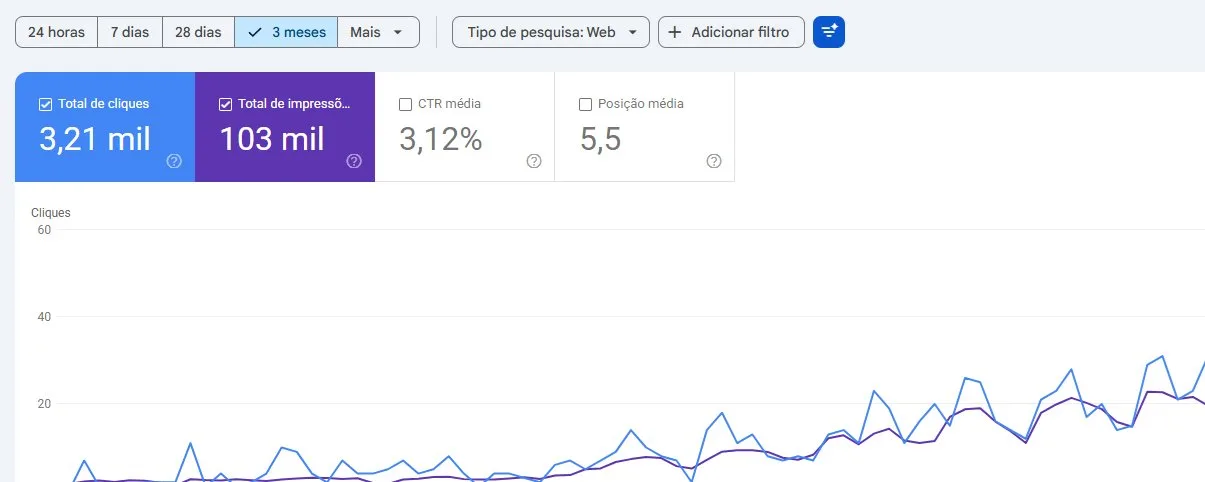
How three sites earned organic traffic on a zero ad budget: a 496,000-URL sitemap, JSON-LD, llms.txt, a .md version of every page and more than 1,000 citations in AI answers. Real numbers, including what didn’t work.
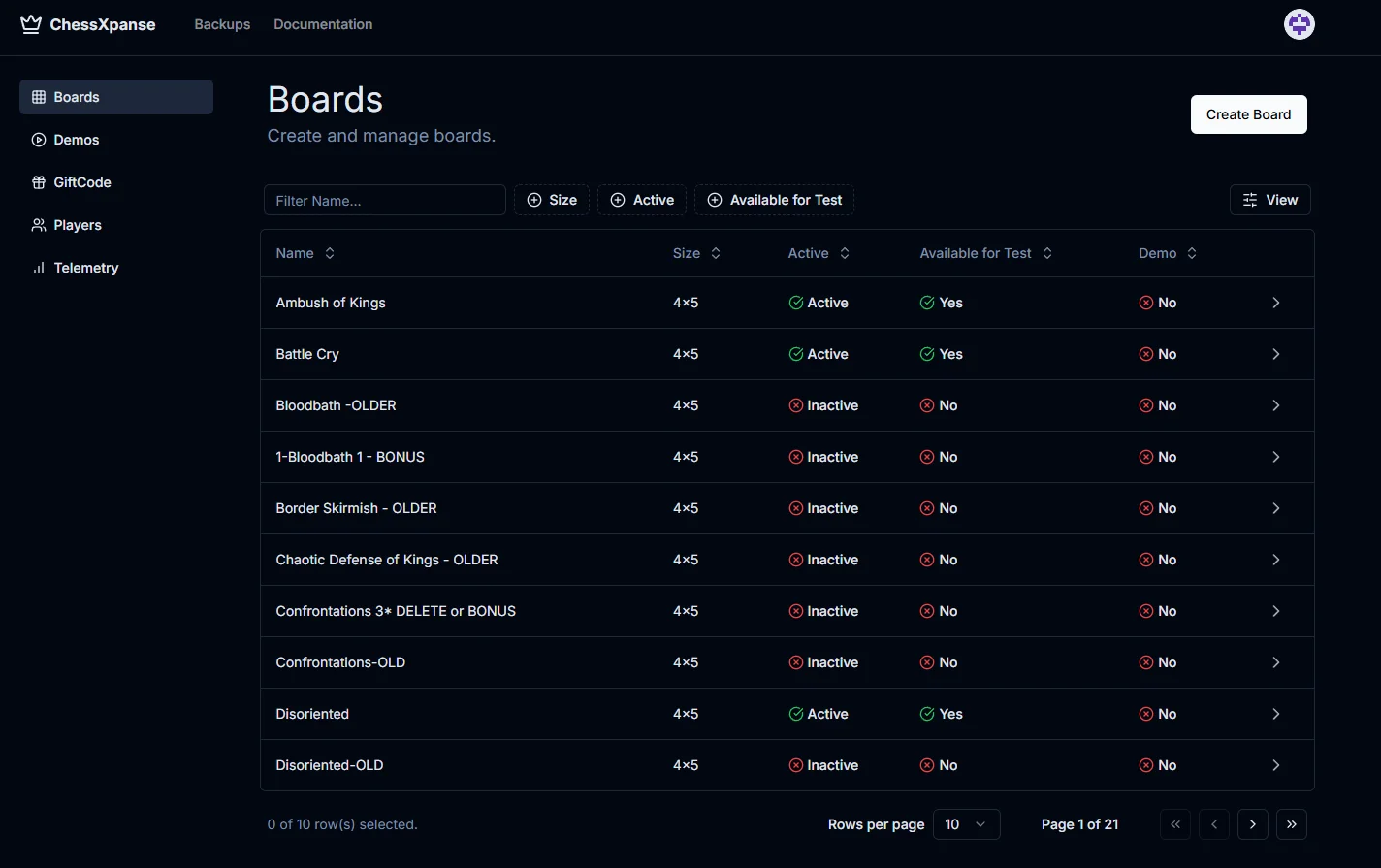
When your game needs a Live Ops dashboard (and when it doesn’t yet)
The signs your game is asking for a Live Ops dashboard, the minimum viable v1, and when it makes sense to build in-house vs. outsource the first version.